In today's modern homes, where every square foot counts and aesthetic appeal matters just as much as functionality, the concept of a wall-mounted PC has emerged as a brilliant solution for tech enthusiasts and everyday users alike. By liberating your desk from the traditional tower setup and embracing vertical design, you can transform your workspace or living room into a sleek, organised environment without sacrificing the power and performance you require for work, gaming, or creative projects. Whether you are looking to purchase your first wall-mounted computer or upgrade your current system, understanding the essential components, design principles, and installation considerations will help you make an informed decision that suits both your budget and your lifestyle.
Understanding wall-mounted pcs: components, design, and space-saving benefits
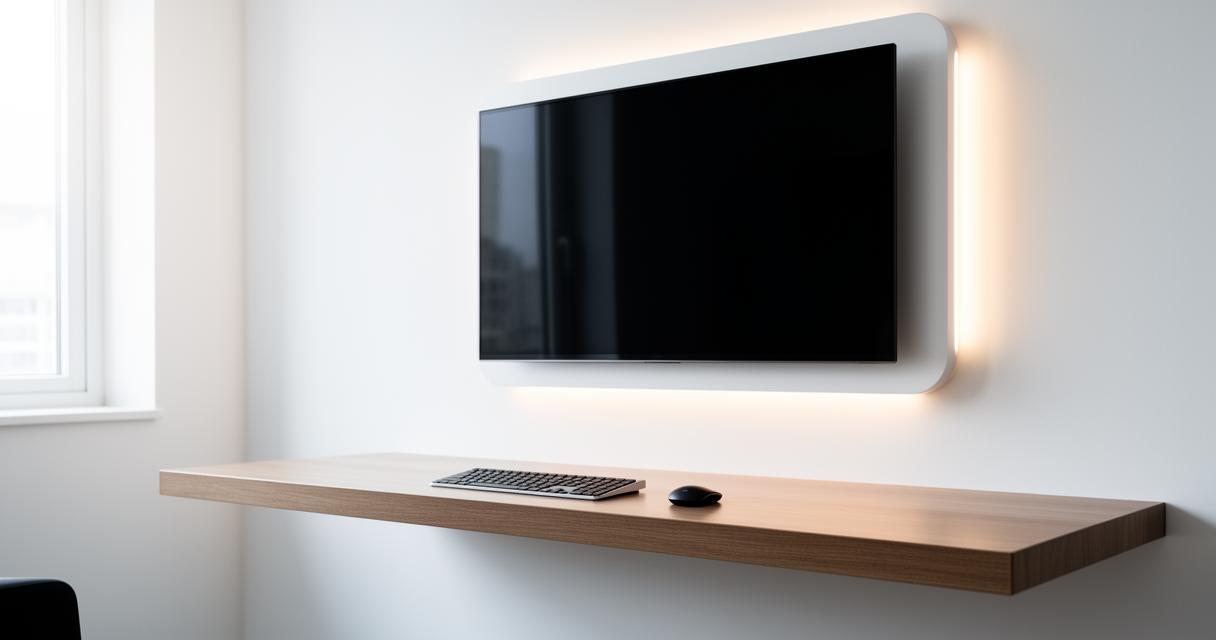
Wall-mounted PCs represent a radical shift in how we think about computer hardware and interior design. Unlike conventional desktop towers that occupy valuable desk space, these systems are designed to be mounted directly onto walls or panels, freeing up your work area and creating a cleaner, more dynamic visual appeal. The concept hinges on combining all the essential components of a traditional computer with mounting solutions that securely hold the system in place while ensuring proper ventilation and accessibility. This approach not only maximises space but also allows for creative positioning in various areas of your home, from a dedicated home office to a corner in your living room.
Essential Components and System Requirements for Wall-mounted Computing
When considering a wall-mounted PC, it is crucial to understand the core components that make up the system. At the heart of any computer lies the processor, which determines the speed and efficiency of your operations. For those seeking a balance between performance and cost, an Intel Core processor remains a popular choice, offering reliable processing power for everyday tasks, multitasking, and even light gaming. Alternatively, AMD processors provide competitive performance at various price points, making them an attractive option for budget-conscious buyers. The processor you select will significantly influence the overall performance of your system, so it is important to match it with your intended use, whether that involves intensive data processing, software development, or casual browsing.
Equally important is the graphics card, which plays a pivotal role in rendering images, videos, and games. For users who engage in graphic-intensive activities, investing in a high-quality card such as the NVIDIA GeForce RTX series can dramatically enhance visual performance and support advanced features like real-time ray tracing. However, for those who primarily use their computer for work or basic multimedia tasks, an integrated or mid-range graphics solution may suffice, helping to keep costs down without compromising everyday functionality. Memory is another critical component that directly impacts how smoothly your system operates. Adequate RAM ensures that your computer can handle multiple applications simultaneously, making it essential for both productivity and entertainment purposes.
Storage solutions have evolved considerably, with solid-state drives offering faster data access and improved reliability compared to traditional hard drives. When selecting storage for your wall-mounted PC, consider the volume of data you plan to store and the speed at which you need to access it. Many modern systems incorporate a combination of solid-state and traditional storage, balancing speed and capacity to meet diverse needs. The display is another element that deserves attention, particularly if you are opting for a touchscreen panel that integrates seamlessly with your mounted system. Touchscreens add an interactive dimension to your computing experience, making navigation more intuitive and allowing for a more engaging interaction with software and applications.
Space Optimisation: Transforming Your Desk and Living Room with Vertical Design
One of the most compelling reasons to install a wall-mounted PC is the remarkable transformation it brings to your living and working spaces. By moving the computer off your desk, you instantly create more room for other essential items, whether that means additional monitors, documents, or decorative elements that reflect your personal style. This vertical approach to computing is particularly beneficial in smaller homes or apartments where every inch of space must be used efficiently. The ability to mount your system at different levels allows you to customise the setup according to your height and viewing preferences, reducing strain and enhancing comfort during extended periods of use.
Beyond the desk, wall-mounted PCs can also be integrated into living rooms, transforming them into multifunctional entertainment and productivity hubs. Imagine a sleek panel mounted discreetly in the corner, serving as both a powerful computing system and a stylish design element that complements your interior decor. This setup is ideal for households where space is at a premium and where the traditional computer tower might disrupt the flow of the room. The flexibility of wall-mounted designs means you can experiment with different layouts and configurations, ensuring that the final installation not only meets your technical requirements but also enhances the overall aesthetic of your home.
Furthermore, the space-saving benefits extend to cable management and organisation. With a wall-mounted system, it becomes easier to route cables neatly along walls or behind panels, eliminating the clutter that often accompanies traditional desktop setups. This clean, organised appearance contributes to a more pleasant and productive environment, allowing you to focus on your work or leisure activities without the distraction of tangled wires and unsightly hardware. The foldable and adjustable mounting solutions available today ensure that you can adapt your setup as your needs evolve, providing long-term flexibility and value for your investment.
Top wall-mounted pc models: from budget-friendly to high-performance configurations
Selecting the right wall-mounted PC involves balancing your performance needs with your budget constraints. The market offers a wide selection of products and services designed to cater to different levels of expertise and usage scenarios. For those who are new to wall-mounted computing or are working with a limited budget, entry-level models provide a solid foundation for everyday tasks such as web browsing, document editing, and streaming media. These systems typically feature mid-range processors and integrated graphics, delivering sufficient power for basic computing without the hefty price tag associated with high-end configurations.
Best Processors and Graphics Cards: Intel Core vs AMD, NVIDIA GeForce RTX Selection
When it comes to processors, the debate between Intel Core and AMD continues to shape purchasing decisions. Intel Core processors have long been synonymous with reliability and performance, offering a range of options from entry-level models to ultra-powerful chips designed for demanding applications. These processors are known for their strong single-core performance, which is particularly beneficial for tasks that do not fully utilise multiple cores, such as certain software applications and legacy programs. On the other hand, AMD processors have gained significant traction in recent years, offering competitive multi-core performance at attractive price points. For users who engage in content creation, video editing, or data-intensive work, AMD processors can provide excellent value, delivering robust performance across a variety of workloads.
Graphics cards are another critical consideration, especially for those who require advanced visual capabilities. The NVIDIA GeForce RTX series stands out as a top choice for gamers and creative professionals alike, thanks to its support for ray tracing and AI-enhanced features that elevate image quality and rendering speeds. These cards are designed to handle the most demanding graphics tasks, ensuring smooth gameplay and efficient processing of complex visual data. For users who do not require such high-end performance, mid-range graphics cards offer a balanced solution that supports HD and even some 4K displays without the premium cost. The key is to match the graphics card to your specific needs, ensuring that you are not paying for features you will never use while still maintaining the capability to handle your intended applications.
Memory and storage configurations also play a vital role in determining the overall performance of your wall-mounted PC. Modern systems typically come with at least eight gigabytes of RAM, which is sufficient for everyday tasks and moderate multitasking. However, if your work involves running multiple applications simultaneously or handling large datasets, upgrading to sixteen gigabytes or more can significantly enhance system responsiveness. Storage options have similarly evolved, with many users opting for a combination of solid-state drives for operating systems and frequently used software, paired with larger traditional drives for archival purposes. This hybrid approach ensures fast boot times and application launches while providing ample space for long-term data storage.
Memory, Storage, and Display Options: Finding the Right Format for Your Needs
Choosing the right format for your display is essential to creating a cohesive and functional wall-mounted PC setup. The display serves as your primary interface with the computer, and its size, resolution, and touch capabilities can greatly influence your overall experience. For those who value interactivity, touchscreen panels offer an intuitive way to navigate through software and applications, making tasks such as photo editing, design work, and web browsing more engaging. Touchscreens are particularly popular in creative environments where direct manipulation of on-screen elements can streamline workflows and enhance productivity.
When selecting a display, consider the physical space available and the primary use cases for your system. A larger screen may be ideal for immersive gaming or detailed design work, while a more compact panel might suit a minimalist setup or a secondary workstation in a corner of your living room. Resolution is another factor to weigh carefully. Higher resolutions provide sharper images and more screen real estate, which can be beneficial for multitasking and viewing detailed content. However, it is important to ensure that your graphics card can support the chosen resolution without compromising performance. Many modern displays also offer features such as adjustable brightness, colour calibration, and built-in speakers, adding further convenience and value to your investment.
Storage solutions should be selected with both current and future needs in mind. Solid-state drives offer the fastest read and write speeds, making them ideal for operating systems and applications that you use daily. For users who work with large files or require extensive data storage, pairing a solid-state drive with a traditional hard drive can provide the best of both worlds. This combination allows you to enjoy rapid access to critical software while maintaining affordable storage capacity for less frequently accessed data. Additionally, consider the connectivity options available on your system. Modern wall-mounted PCs often include multiple USB ports, HDMI or DisplayPort outputs, and support for wireless connectivity, ensuring that you can easily connect peripherals, external displays, and network devices without cluttering your workspace.
Installation Guide and Practical Considerations for Your Wall-mounted PC Setup
Installing a wall-mounted PC requires careful planning and attention to detail to ensure both safety and optimal performance. The installation process involves selecting the right mounting hardware, preparing your wall or panel, and connecting all necessary components in a manner that maintains accessibility and ventilation. Before you begin, it is important to assess the structural integrity of the wall where you plan to mount your system. Ensure that the wall can support the weight of the computer and any additional hardware, and consider using reinforced mounting brackets or studs for added security.
Mounting Solutions, Support Systems, and Panel Installation for Different Levels
The market offers a variety of mounting solutions designed to accommodate different types of computers and installation preferences. Fixed mounts provide a stable platform for your system, attaching directly to the wall with minimal adjustments. These are ideal for permanent setups where the position of the computer is unlikely to change. Adjustable mounts, on the other hand, offer greater flexibility, allowing you to tilt or swivel the system to achieve the optimal viewing angle. This can be particularly useful in dynamic environments where the computer may be shared among multiple users or where the viewing position needs to adapt to different tasks.
When installing the mounting hardware, it is essential to follow the manufacturer's instructions carefully and to use the appropriate tools and fasteners. Begin by marking the locations for the mounting brackets, ensuring that they are level and aligned according to your desired configuration. Drill pilot holes and secure the brackets using screws that are rated for the weight of your system. Once the brackets are in place, attach the computer to the mounting system, making sure that all connections are secure and that the system is firmly supported. It is also important to leave adequate space around the computer for ventilation, as proper airflow is crucial to preventing overheating and ensuring long-term reliability.
Panel installation is another aspect of the setup that requires careful consideration. If you are incorporating a touchscreen panel or an integrated display, ensure that the panel is mounted at a height and angle that promotes comfortable interaction. Different levels of mounting can be used to suit various applications, whether you need a high-mounted display for viewing from across the room or a lower, more accessible panel for hands-on work. The flexibility to adjust the mounting height and angle can greatly enhance the usability of your system, making it easier to perform tasks that require prolonged periods of interaction. Additionally, consider using cable management solutions such as conduits or cable clips to keep wires organised and out of sight, contributing to a cleaner and more professional appearance.
Connectivity, Software Compatibility, and Touchscreen Options for Windows and Linux
Connectivity is a fundamental aspect of any computer system, and wall-mounted PCs are no exception. Ensuring that your system supports all necessary connectivity options is crucial for integrating peripherals, network devices, and external storage solutions. Modern systems typically come equipped with a range of ports, including USB connectors for keyboards, mice, and other accessories, as well as HDMI or DisplayPort outputs for connecting external displays. Wireless connectivity options such as Wi-Fi and Bluetooth further enhance the versatility of your setup, allowing you to connect to networks and devices without the need for cumbersome cables.
Software compatibility is another important consideration, particularly if you plan to use your wall-mounted PC for specialised applications or operating systems. Windows remains the most widely used operating system, offering broad compatibility with a vast array of software and hardware. Its intuitive interface and extensive support make it an excellent choice for both casual users and professionals. However, Linux has also gained popularity among tech enthusiasts and developers, offering a highly customisable and open-source alternative that is well-suited to a variety of computing tasks. When selecting your system, ensure that the hardware components are compatible with your chosen operating system and that drivers and updates are readily available to maintain optimal performance.
Touchscreen options add a layer of interactivity that can transform the way you work and play. Modern touchscreens support multi-touch gestures, allowing you to zoom, scroll, and navigate with natural, intuitive movements. This can be particularly beneficial for creative professionals who use design software or for families who enjoy interactive entertainment applications. When considering a touchscreen, evaluate the responsiveness and accuracy of the touch interface, as well as the ease of cleaning and maintenance. High-quality touchscreens are designed to resist smudges and fingerprints, ensuring that your display remains clear and vibrant even with frequent use.
Finally, it is important to think about ongoing support and services for your wall-mounted PC. Many manufacturers offer warranties, technical support, and upgrade services that can help you maintain and enhance your system over time. Before making a purchase, research the reputation of the manufacturer and read reviews from other users to ensure that you are investing in a product that is both reliable and well-supported. By taking the time to plan your installation carefully and by selecting components and services that meet your specific needs, you can create a wall-mounted PC setup that delivers exceptional performance, maximises space, and enhances the overall aesthetic of your home.